Welcome
Your startup screen. A stable, high-contrast image helps you dial in the headset’s focus and IPD (eye spacing) for the sharpest possible view before you begin.
IrisVision Vista
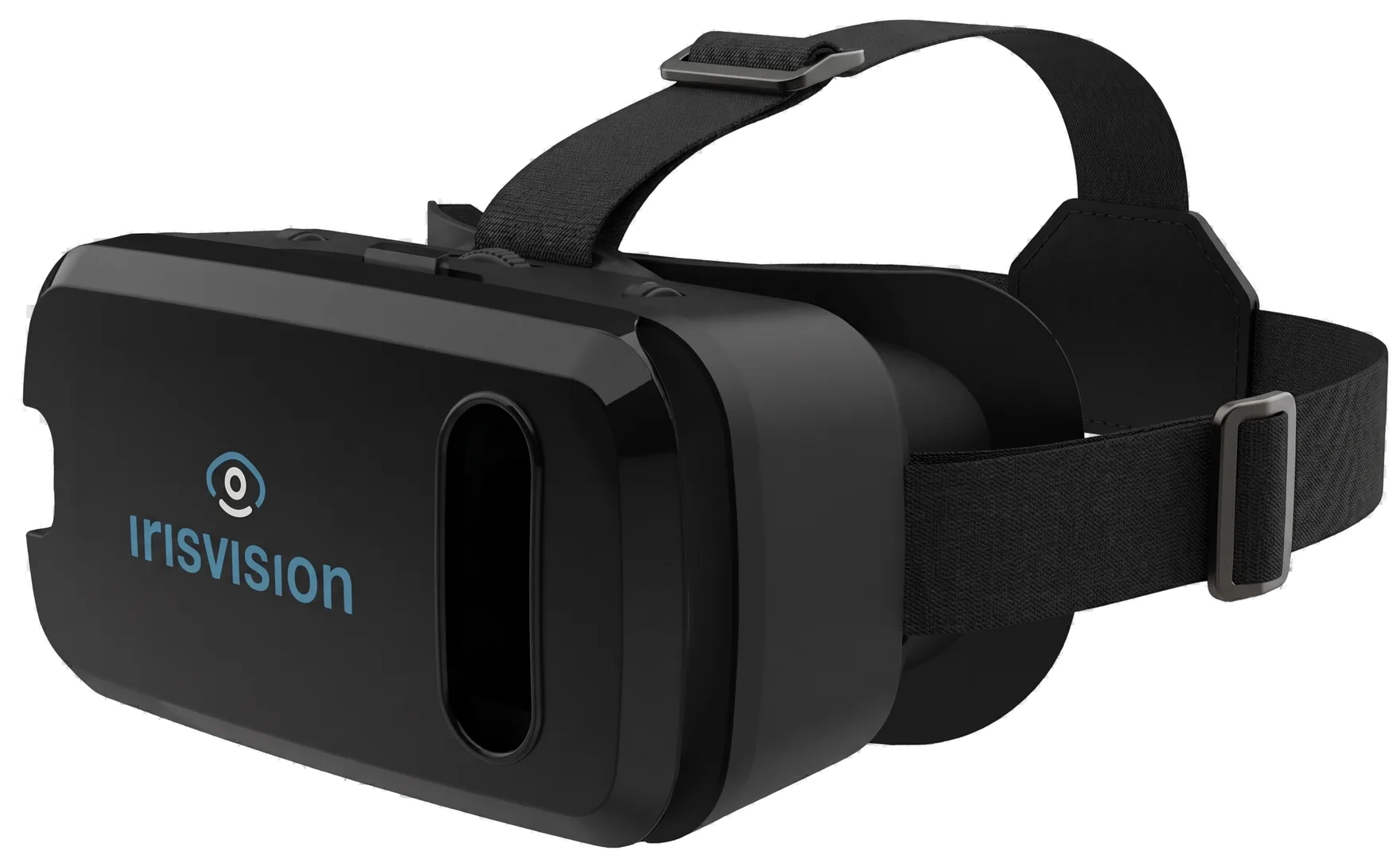
The world’s first voice-first low-vision headset. Just speak, and Vista responds — reading, zooming, and adjusting for you, hands-free and in your language.
Not just a magnifier
Most low-vision aids only make things bigger. Vista does far more. It combines a voice-first AI assistant, a full set of vision modes, and everyday entertainment in one lightweight headset — built around how people with low vision actually live. Put it on, speak naturally, and get on with your day.
Your built-in assistant
Iris is the AI voice assistant built into every Vista. There are no menus to memorize and no tiny buttons to find — you simply ask. Iris can read text aloud, zoom in, brighten or add contrast, switch between vision modes, take a picture, tell the time, and open videos, all by voice.
Say the wake word and Iris is listening. Because the core commands run on the device, Iris keeps working even when you’re offline — so help is always a sentence away.
Just say
Naturally multilingual
Iris understands and replies in 11 languages, naturally — no rigid phrases or robotic commands. Talk to Vista the way you talk to a person, in the words that feel like home, and switch languages any time just by asking.
See the world your way
Vista adapts to what you’re doing. Ask Iris to switch modes and the view changes instantly — camera modes for seeing the room, plus Movies, Books, Games, and Photo Gallery for time in the headset.
Your startup screen. A stable, high-contrast image helps you dial in the headset’s focus and IPD (eye spacing) for the sharpest possible view before you begin.
The everyday live view. See your real surroundings in natural, vivid color with automatic focus, and zoom in up to 14x on whatever you’re looking at.
A magnifying bubble in the center of the Scene view — sharpen a price tag, a face, or a sign while keeping the rest of the scene around it.
A rectangular telescope window. Magnify a distant sign or a face while the rest of the room stays in view — size and place the box so it sits where you need it.
Ultra-high-contrast text. Start with crisp black-on-white, or switch to inverted, yellow, or green — and use Reading Line to focus on one magnified line at a time.
For tunnel vision. Shrink the whole picture with the remote until everything you need fits inside your remaining field of view.
Tuned for screens. Special exposure settings cut backlight glare, and the display won’t time out in the middle of your show.
For getting around. Vista traces bold, high-contrast outlines around objects and edges, with adjustable line thickness and sensitivity.
Free full-length films inside Vista. Ask Iris to search, then play, pause, and scrub with the remote.
Free audio books, hands-free. Search by title, then play, pause, and skip by voice or remote.
Games built for the low vision community. Play from the headset with the remote — no tiny phone screen.
Every picture you take, ready when you are. Zoom in on the details that matter to you.
Watch and listen
Low vision shouldn’t mean missing the film, the chapter, or the clip. Vista brings entertainment into the headset — search by voice, then sit back.
Ask Iris to find and play videos — recipes, news, music, how-tos, or your favorite channel — and watch them full-size inside the headset.
Search and watch free full-length films in Vista. The same simple controls as YouTube: ask Iris, play, pause, and scrub with the remote.
Listen to free audio books hands-free. Search by title, then play, pause, and skip with your voice or the remote.
Bring your television, computer, or a streaming stick into Vista with the Vision Cast transmitter — enlarged and clear from your chair.
Requires the Vision Cast accessory, sold separately.
Made to wear all day
Vista is featherlight and well balanced, so it stays comfortable from morning to night. It starts fast, works without a Wi-Fi connection, and is controlled entirely by voice or a simple remote — no fiddly setup, no menus to learn.
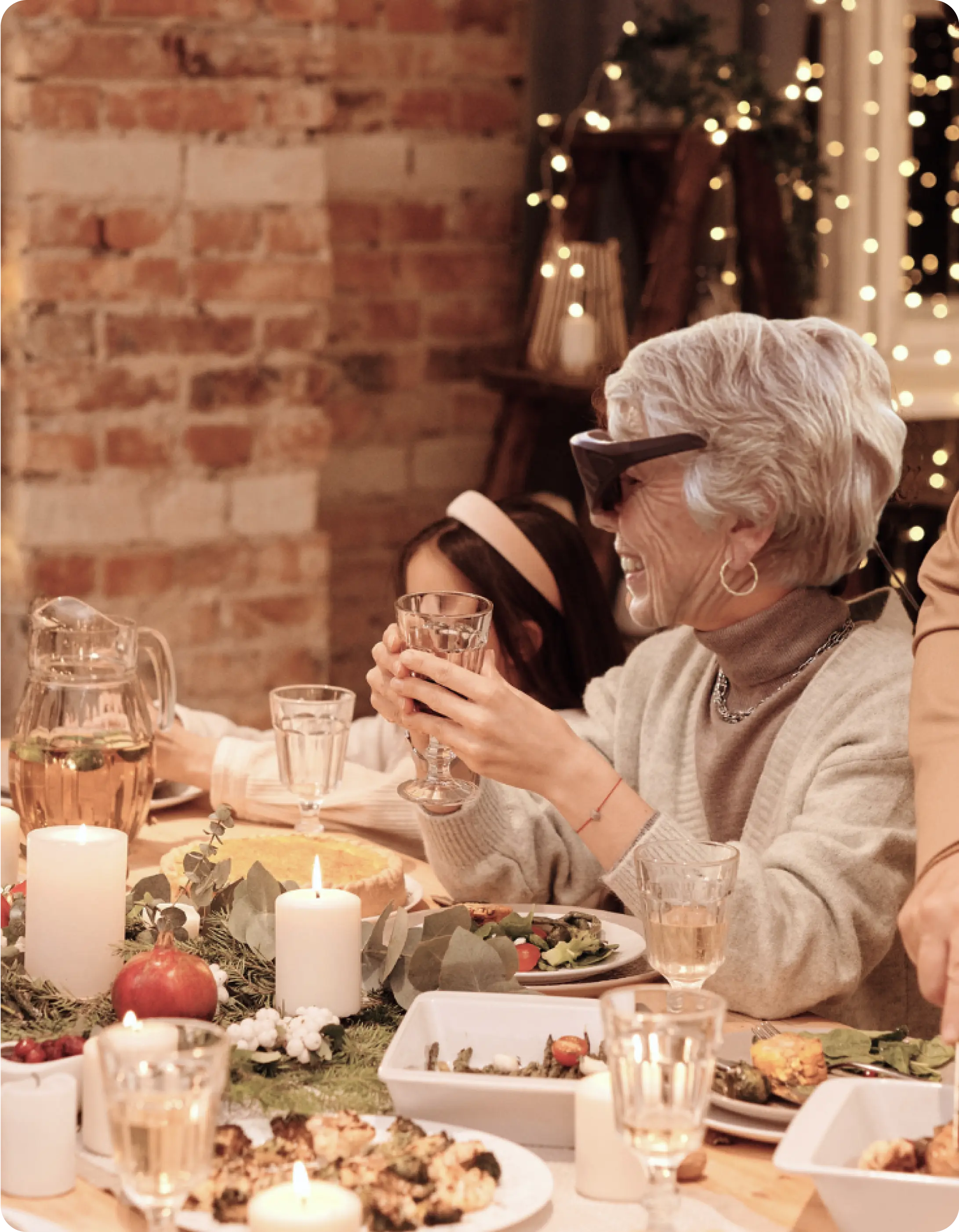
Everything is designed to fade into the background so you can focus on the moment — reading the mail, cooking dinner, or catching up with family.
You’re never on your own
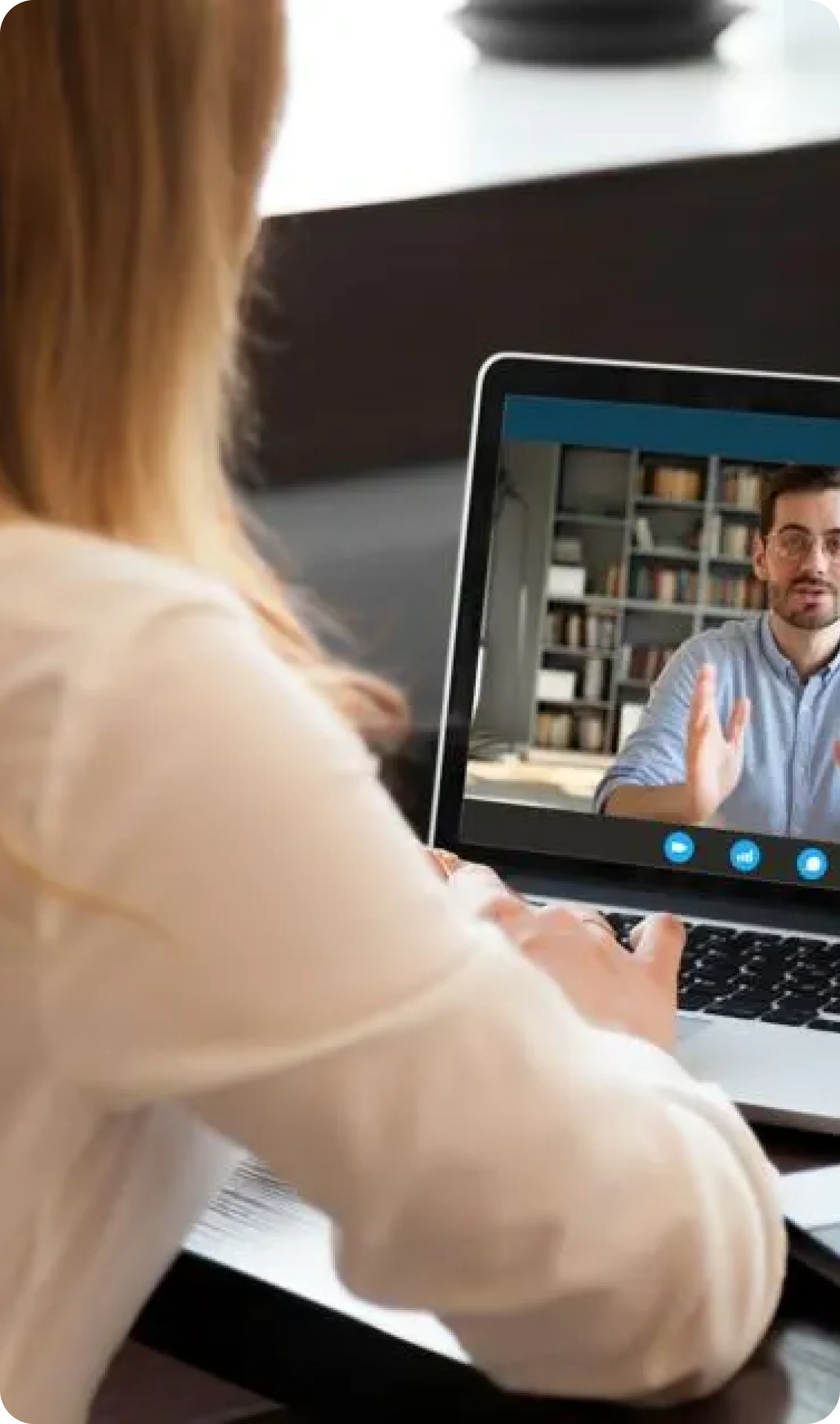
Every Vista comes with our community of Coaches. They meet with you one-on-one, right from the comfort of home, to help you set up your device, learn the modes, and get real results in your everyday life.
Our Coaches are themselves low-vision persons and IrisVision users — they understand the challenges firsthand, and they’re patient, encouraging, and genuinely on your side.
Explore personal coachingBuilt for low vision
Vista is designed for people living with reduced or distorted central and peripheral vision. It has helped users with a wide range of conditions see and do more, including but not limited to:
Not sure where to start?
Answer a few quick questions about your vision and daily life, and we’ll help you understand whether Vista is a good fit. It only takes a minute, and there’s no obligation.
Take the suitability quizTry IrisVision today
Vista can help you find pleasure again in the things low vision has made harder — reading, cooking, watching TV, pursuing hobbies, traveling, and sharing time with the people you love. And if low vision has affected your work or independence, Vista can help you reclaim it.